Student lifecycle management
Create student records, connect classes and subjects, track enrollment, and keep academic profiles organized.
Bring admissions, academics, teachers, students, support, and internal workflows into one premium platform.
Create student records, connect classes and subjects, track enrollment, and keep academic profiles organized.
Assign teachers to subjects, classes, and batches while keeping academic ownership clear.
Create assignments, collect submissions, grade work, and share feedback with students.
Manage attendance visibility, holiday calendars, and leave workflows across the institution.
Organize notes, PDFs, documents, and study material by subject, chapter, and topic.
Client tickets can be raised, assigned to developers, tracked by managers, and resolved with notifications.
Give admins, teachers, students, and internal staff the metrics they need for their role.
Protect routes and data with separate dashboards for institutions and EduSkon internal teams.
Support digital academic workflows with online-ready modules and a premium dashboard experience.
From setup to daily operations, every feature connects to the next.
Add classes, subjects, teachers, and students in one guided setup.
Give admins, teachers, and students the dashboard built for them.
Attendance, assignments, resources, and tickets flow through one system.
Use dashboards and reports to see what needs attention next.
From syllabus to feedback
Keep teaching material, submitted work, and academic progress connected instead of searching across separate records.
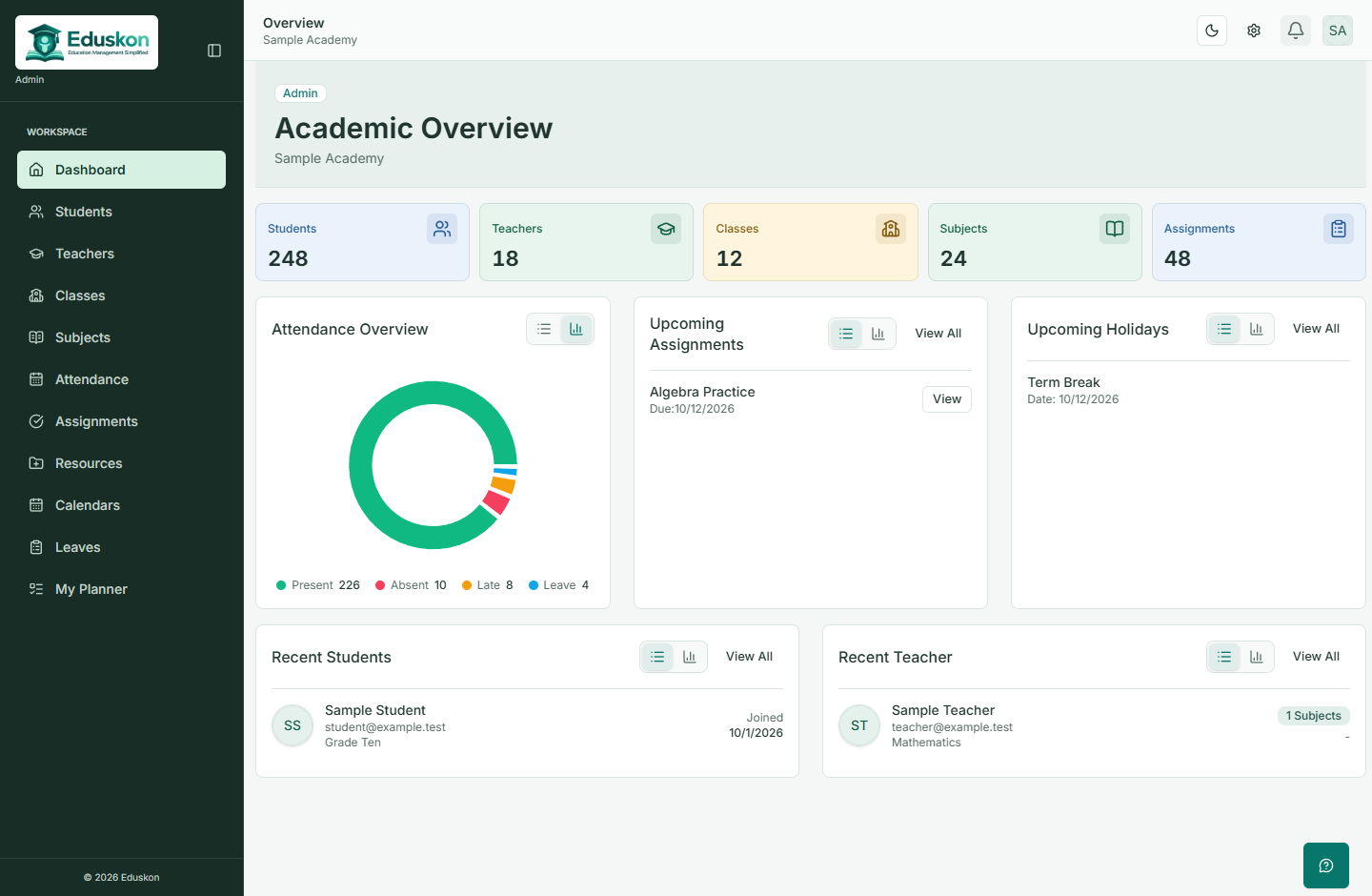
Connect subjects to chapters and topics so teaching material has a clear home.
Set deadlines, attach files, and keep student submissions with the relevant assignment.
Record marks and feedback while reviewing each student's submitted work.
Review academic, assignment, and attendance information in student and teacher reports.
The same academic platform, with a workspace shaped around each person's responsibilities.
Manage the academic structure and decide which responsibilities each teacher can take on.
A closer look at how your academic structure, responsibilities, and records fit together.
Ask our teamYes. Assignments can belong to a subject, chapter, or topic. Deadlines, attachments, submissions, marks, and feedback stay connected to that assignment.
Administrators can grant custom permissions from a teacher's details page. These include managing students, classes, subjects, chapters, topics, assignments, attendance, and holidays. Only administrators can view and update the permissions tab.
Students can access their own academic information and the learning material available to their enrolled subjects. Their workspace includes assignments, submissions, feedback, attendance, and leave information.
Student, teacher, class, and academic detail pages bring together relevant reports and progress information. The dashboard provides an overview, while detail pages let you review individual records.
Get a guided walkthrough of student, teacher, and admin dashboards tailored to your institution.